Event Management Mobile App

Instant access to venue truth on-site, fewer delays, faster decisions

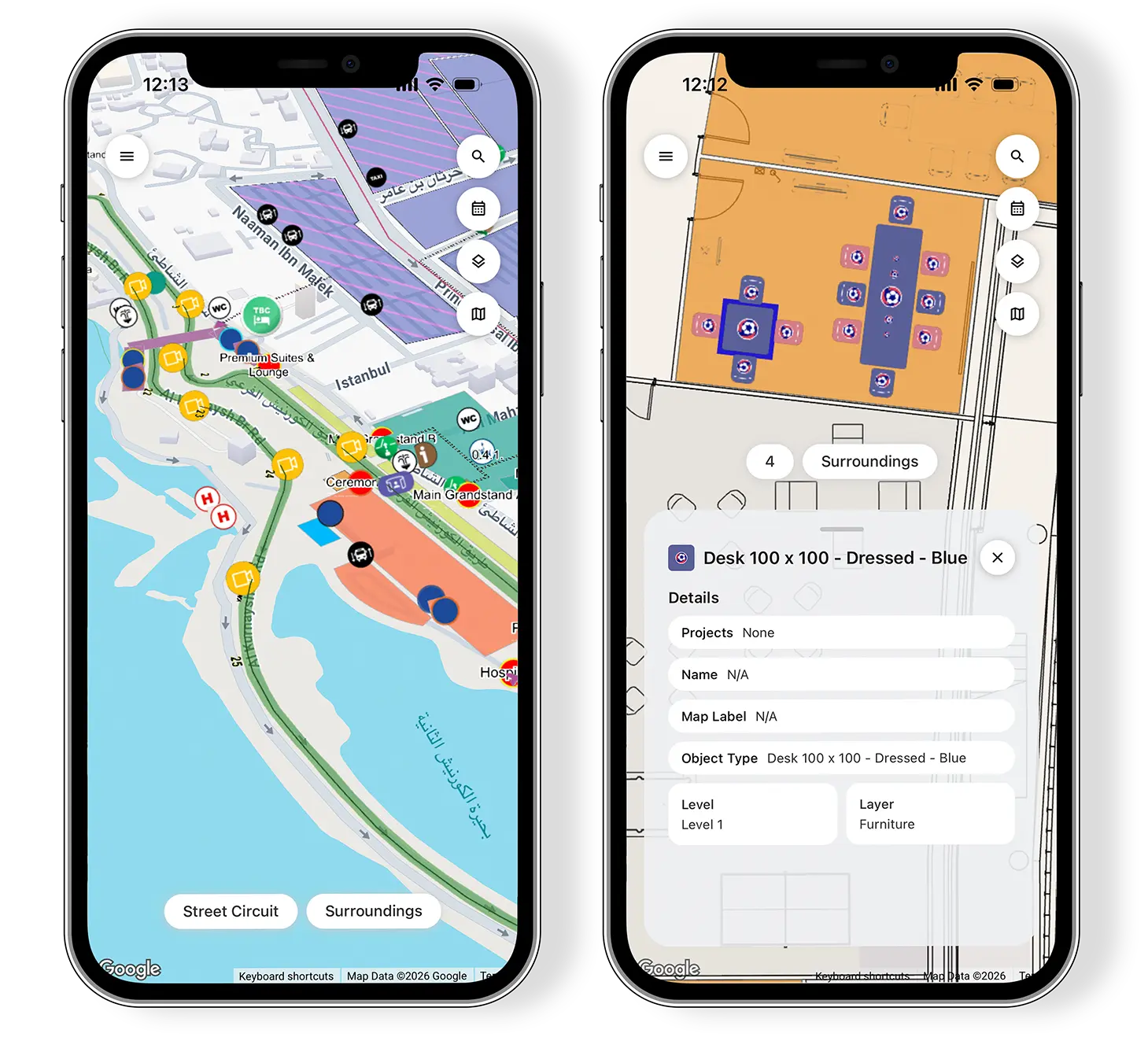
The Virtual Venue Mobile App is an event management mobile app that puts Portal in your pocket, giving teams key access to the latest venue information while they’re on-site or moving between meetings.

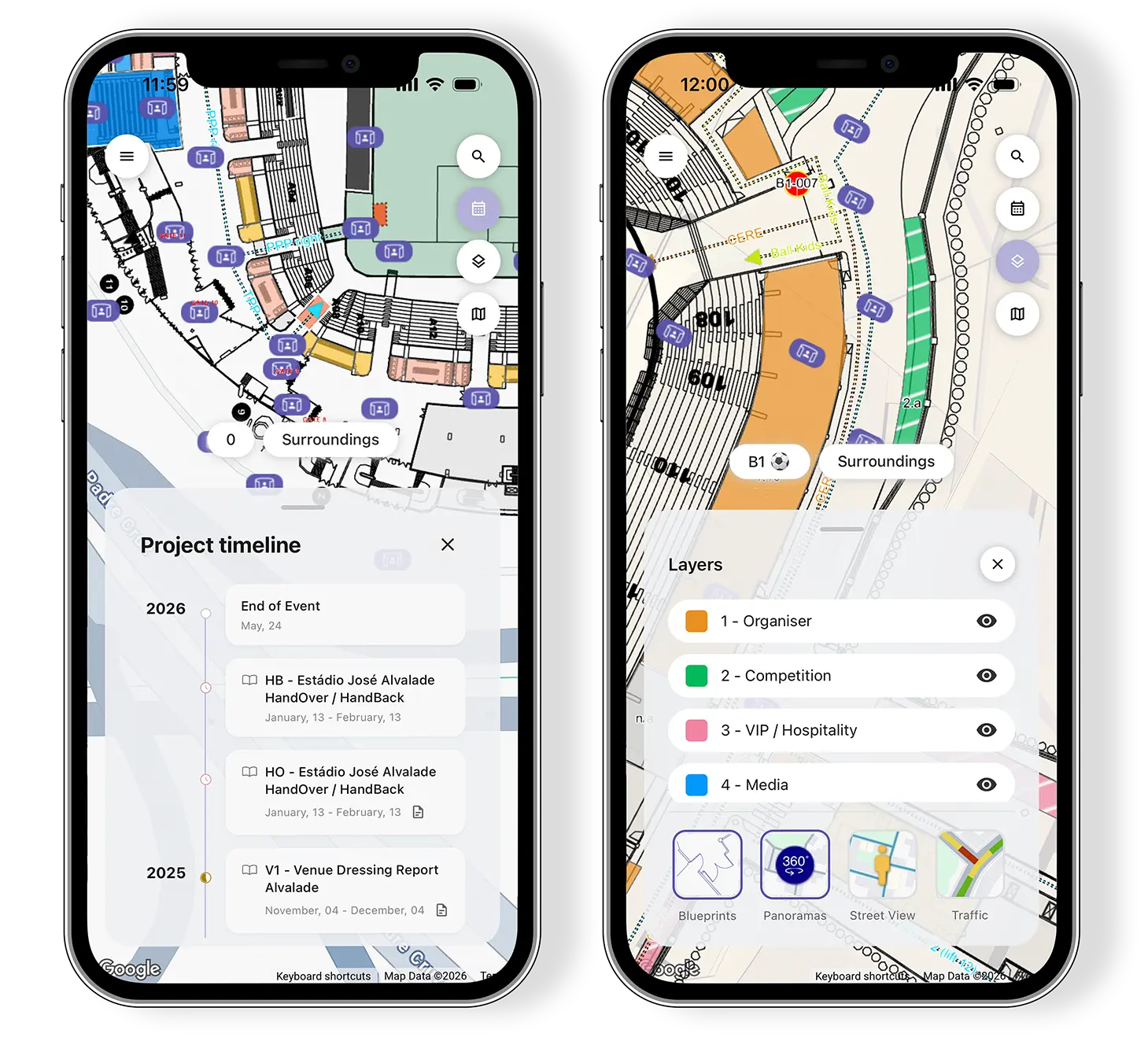
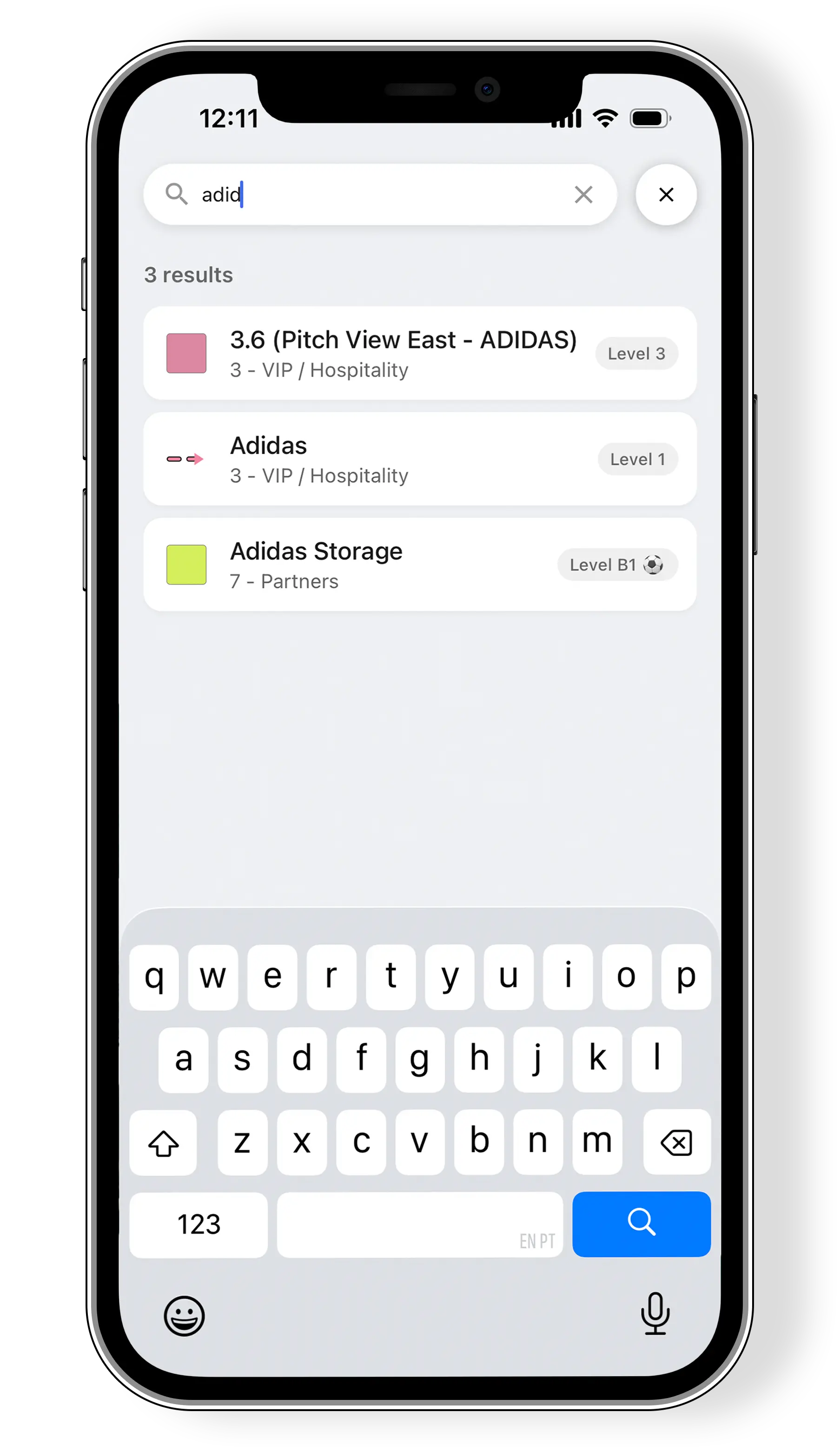
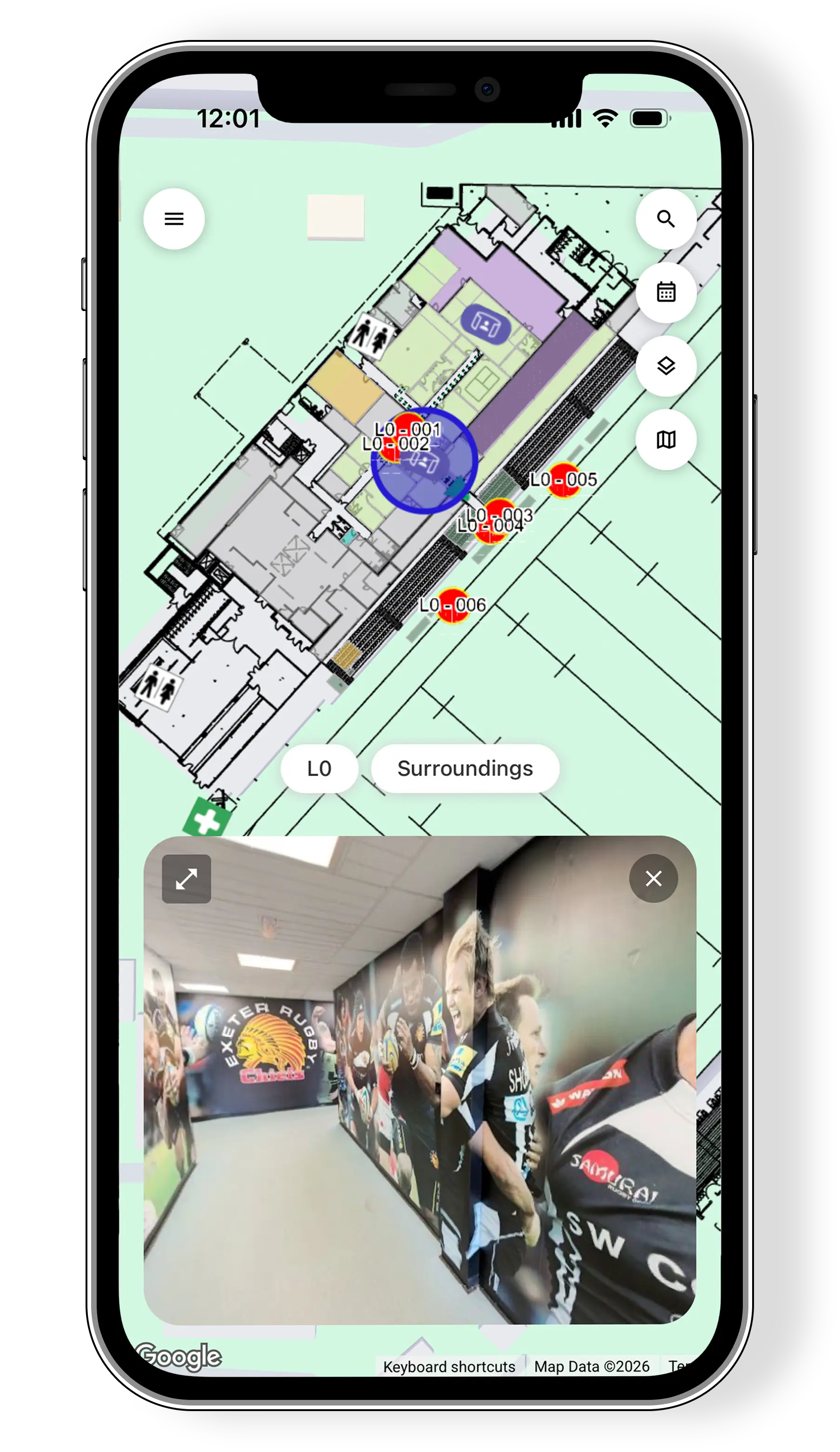
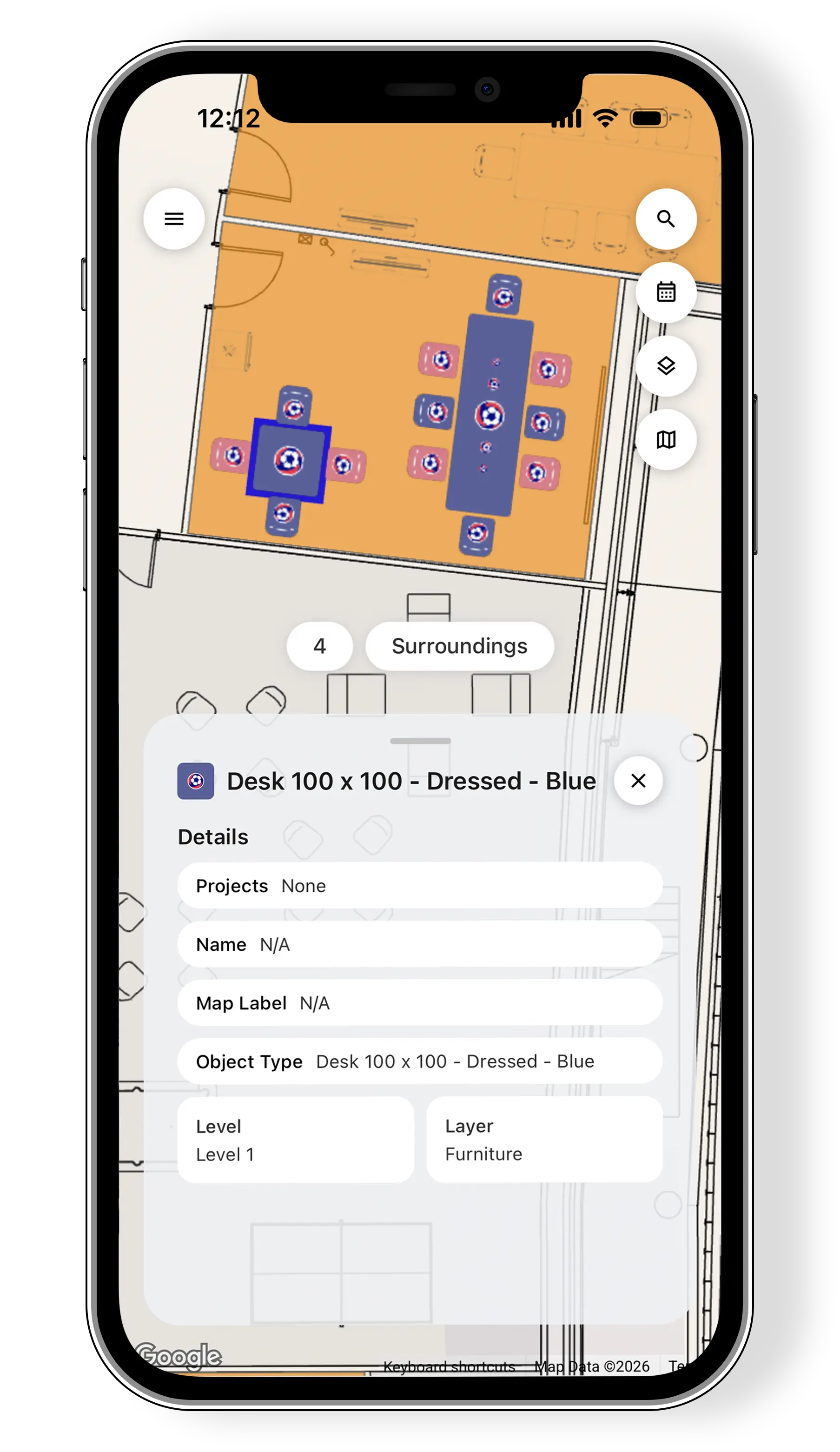
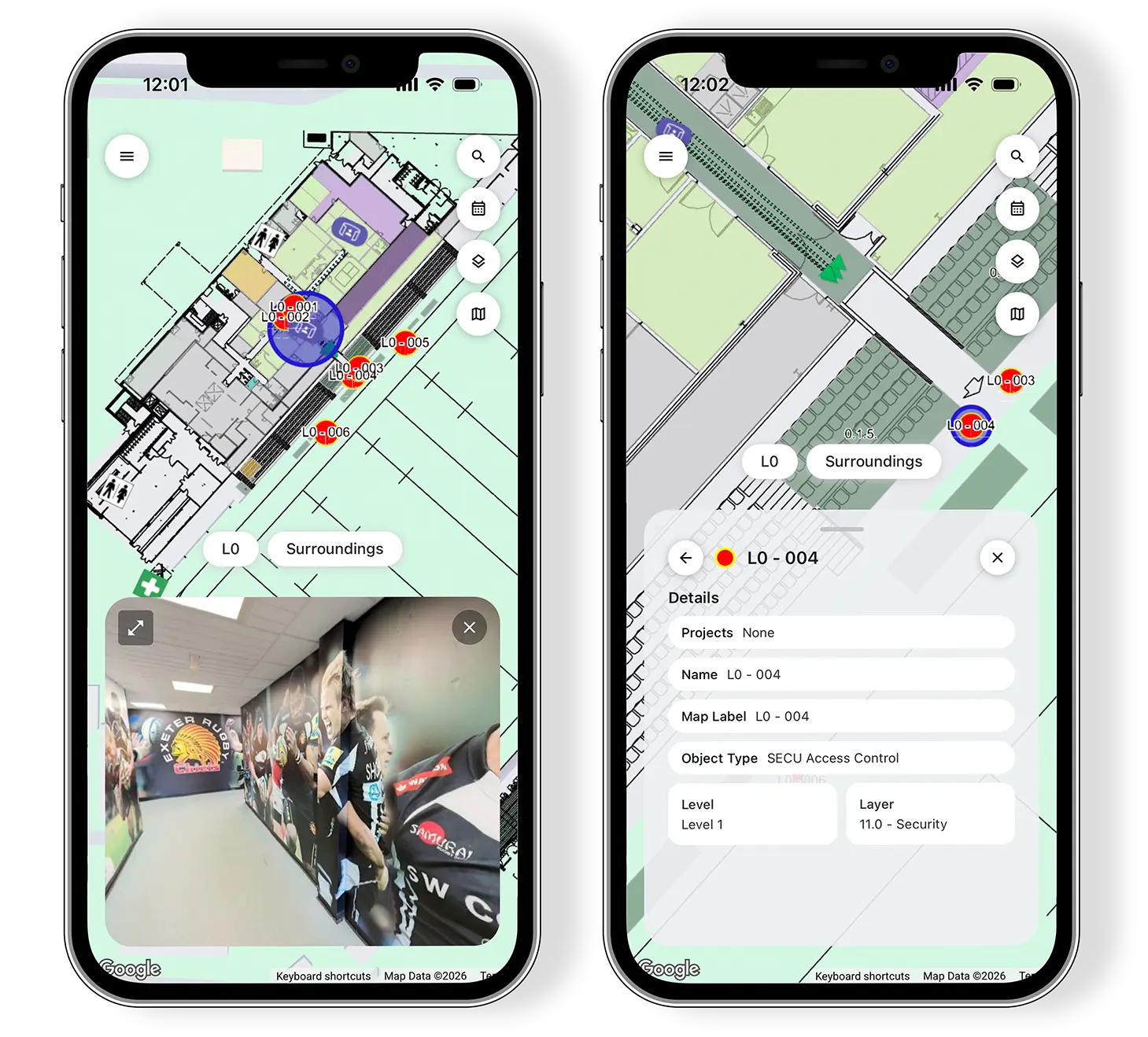
Instead of chasing updates across emails, PDF and Excel, you can search for any room, object or layer in seconds, check private 360° panoramas and confirm if the real-world setups match the plan.

It keeps internal teams and external collaborators aligned on one up-to-date source of truth, so decisions happen faster, issues get resolved in the moment and projects stay on schedule.

Who benefits from using the Event Management Mobile App?

✔ On-Site Operations Lead

Needs instant access to the latest plan while walking the venue (rooms, zones, access, changes) to keep delivery on track and avoid back-and-forth.

✔ Event Planner / Event Manager

Checks flows, zones and key locations during walkthroughs and stakeholder meetings to confirm decisions on the spot and keep everyone aligned.

✔ Project Coordinator

Moves between teams and tasks all day. Uses the app to verify progress, resolve questions in real time and share the same “source of truth” with stakeholders.

Key capabilities of the Mobile App

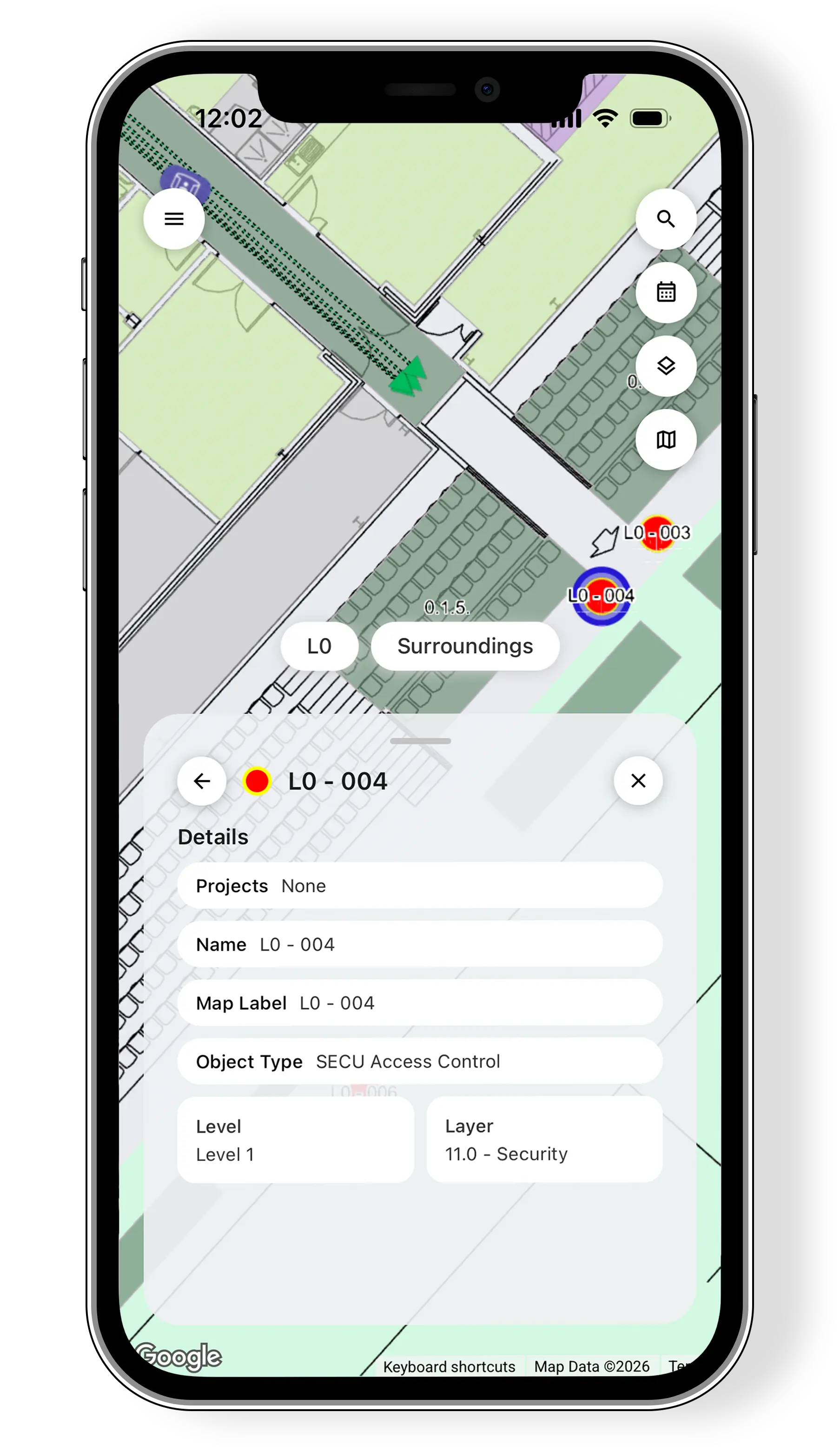
1. Access key venue details instantly

Get immediate visibility of your venue and event data on mobile.

2. Search and Find anything in seconds

Quickly find layers, objects, flows and other details without navigating manually.

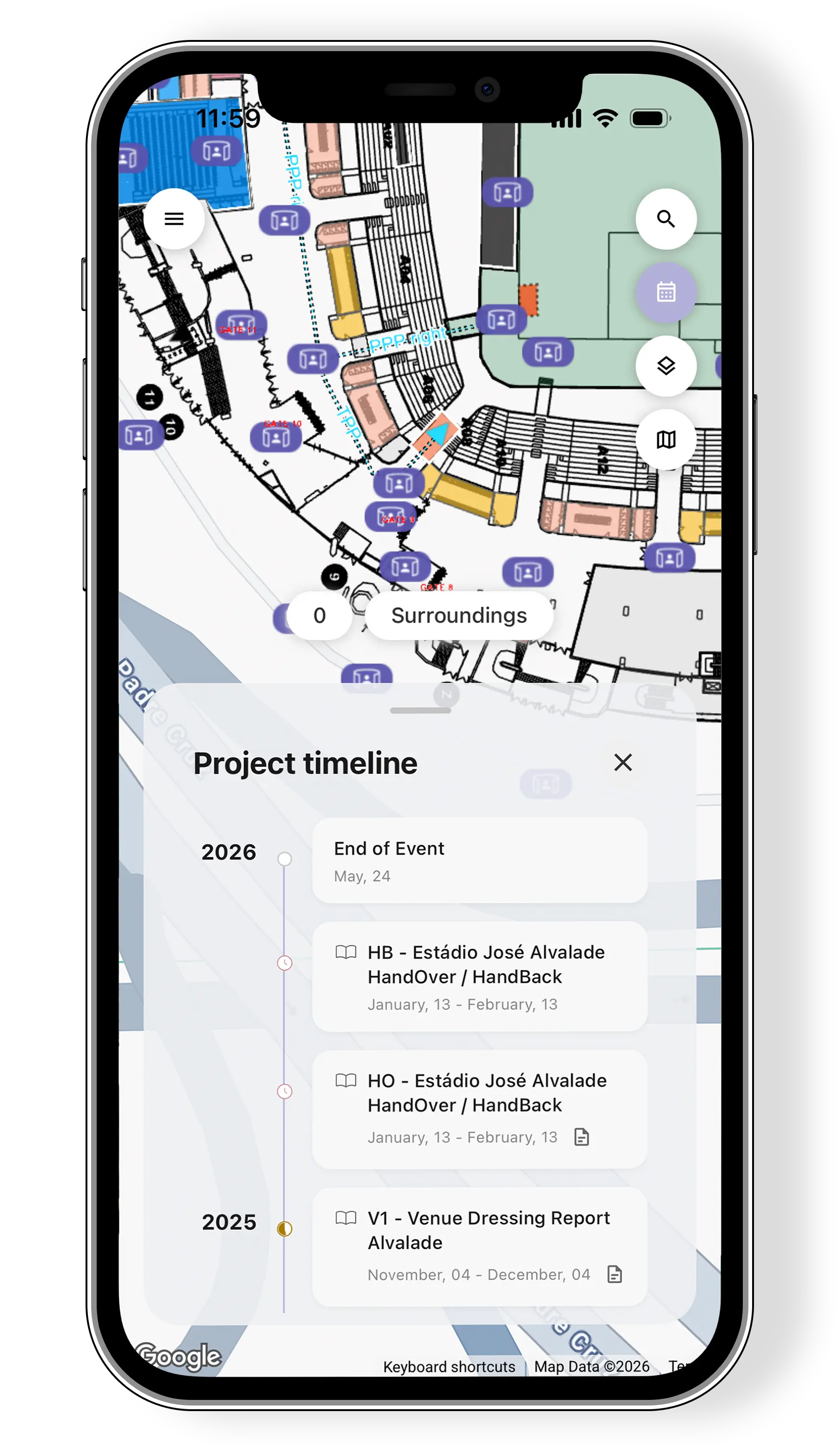
3. Stay aligned with project timelines

Keep track of project milestones and upcoming tasks at any moment.

4. View private 360° panorama

See real venue conditions through immersive street view-like panoramas.

5. Confirm if room layouts match the plan

Validate spaces on-site against the latest approved layout and spot discrepancies before they cause delays.

Key capabilities of the Mobile App

1. Access key venue details instantly

Get immediate visibility of your venue and event data on mobile.

2. Search and Find anything in seconds

Quickly find layers, objects, flows and other details without navigating manually.

3. Stay aligned with project timelines

Keep track of project milestones and upcoming tasks at any moment.

4. View private 360° panorama

See real venue conditions through immersive street view-like panoramas.

5. Confirm if room layouts match the plan

Validate spaces on-site against the latest approved layout and spot discrepancies before they cause delays.

Why choose Virtual Venue’s Event Management Mobile App?

While other mobile apps give you static files or message-based updates, Virtual Venue’s Mobile App connects directly to your live venue twin, overlays and operational data, designed as a sports event operations app for teams working on-site, so the information you see is always location-based and current.

That means fewer delays, less rework and faster decisions in the moment, because everyone is working from the same updated source of truth.

Built for on-site speed

Search any room, object or layer in seconds and get answers without digging through multiple files.

Connected to your operational plan

What you view on mobile reflects the latest plans in Portal, so checks on-site align with what was agreed.

Real-world visibility

Use private 360° panoramas to validate conditions, confirm layouts match the plan and resolve questions without waiting for someone back at a desk.

Proven in complex event environments

Designed for multi-venue and multi-stakeholder delivery where teams are moving fast across sites and need reliable information at every step.

Secure by design

Role-based access control ensures every user only sees what they’re authorized to see, supporting enterprise security standards.

Use cases – Practical Mobile app applications

On-site progress checks

Verify what’s been built or installed in each area, confirm details against the latest plan and keep delivery moving without waiting for updates, ideal for stadium operations mobile app scenarios where teams move across multiple zones..

Stakeholder walkthroughs & approvals

Walk the venue with internal teams, suppliers, or venue owners and answer questions in the moment.

Last-minute changes & issue resolution

When something shifts on-site, quickly identify the affected room/zone/object, align the right people and avoid rework caused by outdated information.

Room setup validation

Confirm that room layouts match the approved plan and spot discrepancies before doors open.

Common Questions about the Sports Event Management Mobile App

What features are available in the Virtual Venue Mobile App?

The app gives you mobile access to key Portal capabilities, including venue maps and layers, mapped objects and flows, project timelines, fast search and private 360° panoramas.

Who is the Event Management Mobile App built for?

It’s built for people who need immediate venue context on-site: venue operations teams, event and project managers, delivery coordinators, and external partners (e.g. broadcasting and media, hospitality, temporary infrastructure vendors). Anyone who needs accurate, up-to-date venue info without being at a desk will benefit.

How does the Virtual Venue Mobile App support on-site event operations and delivery?

It keeps everyone aligned on the latest plan by making venue details and operational data instantly accessible. Teams can verify setups, confirm locations, answer questions in real time and reduce delays caused by outdated PDFs, email threads or conflicting versions.

Does the Virtual Venue Event Management Mobile App include private 360° panoramas, and who can access them?

Yes. The app lets authorised users view private 360° panoramas to understand real venue conditions on-site and in meetings. Access follows the same permissions as the Virtual Venue web platform, so only approved users can view sensitive venue imagery.

How secure is the Virtual Venue Sports Event Management Mobile App for venue and event data?

Access is controlled using the same role-based permissions as the regular Virtual Venue. Users only see the venues and projects they’re authorised to access, helping maintain data governance across internal teams and external collaborators.

Need a single source of truth in your pocket? With the Virtual Venue Mobile App, available on the App Store and Google Play, you get instant access to the latest venue details, fast search across maps and objects and private 360° panoramas.

Book a Demo