Virtual Venue Mobile App is here: Portal in your pocket
Ask AI about this article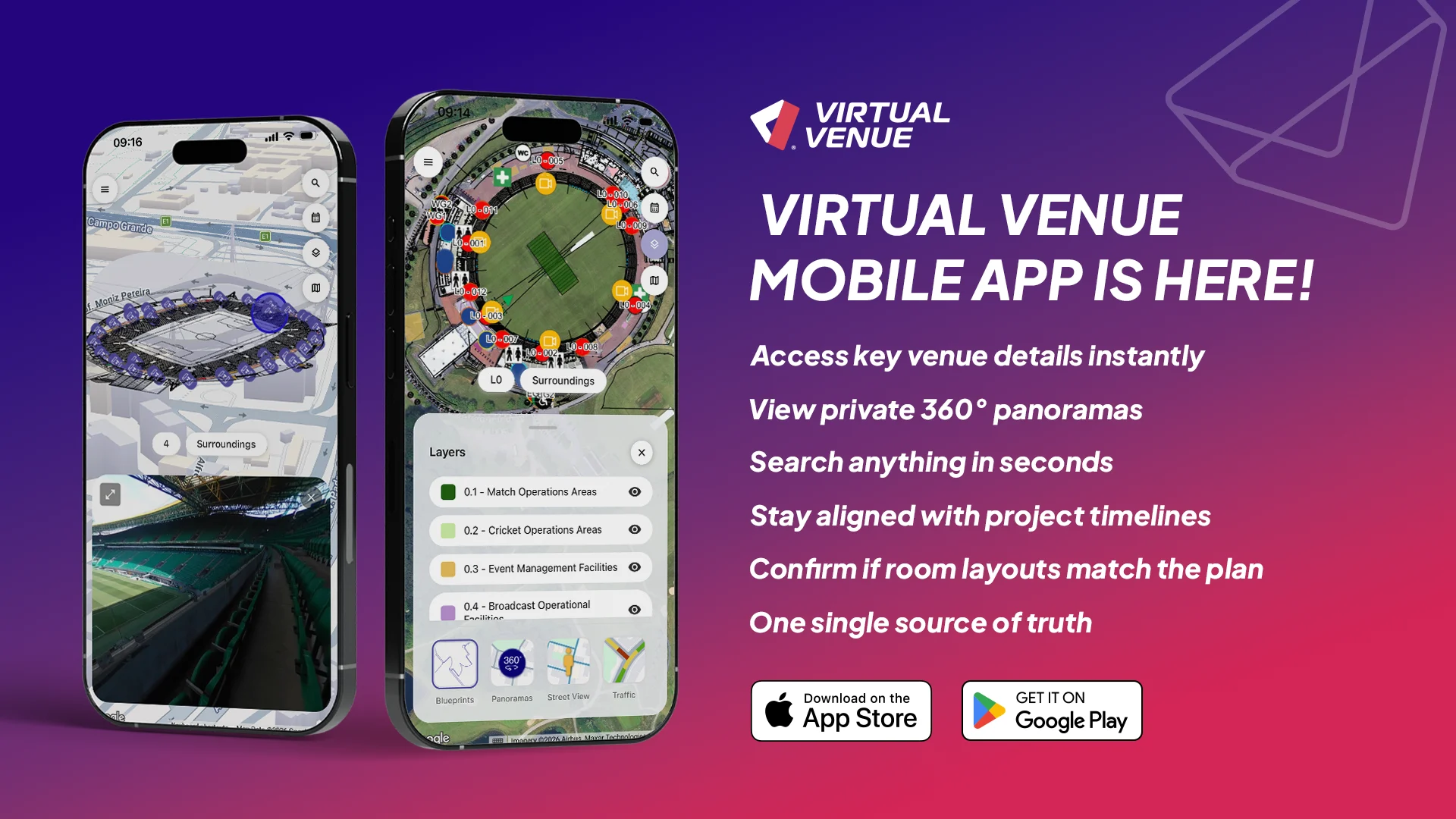

We’re excited to announce the launch of the Virtual Venue Mobile App, now available on the App Store and Google Play.
This first iteration of the app is focused on Portal, bringing the most important venue and event information at your fingertips wherever you are: during meetings, random walkthroughs or site visits. No laptop required anymore!
When you’re on-site or moving between meetings, the difference between staying on schedule and losing time can come down to how quickly you can confirm the latest venue details. Our new mobile app brings Portal into your pocket. That means fewer back-and-forth messages, faster decisions in the moment and better alignment across internal teams and external collaborators, all working from the same up-to-date source of truth.
The Virtual Venue Mobile App is built for people who need answers fast while they’re moving:
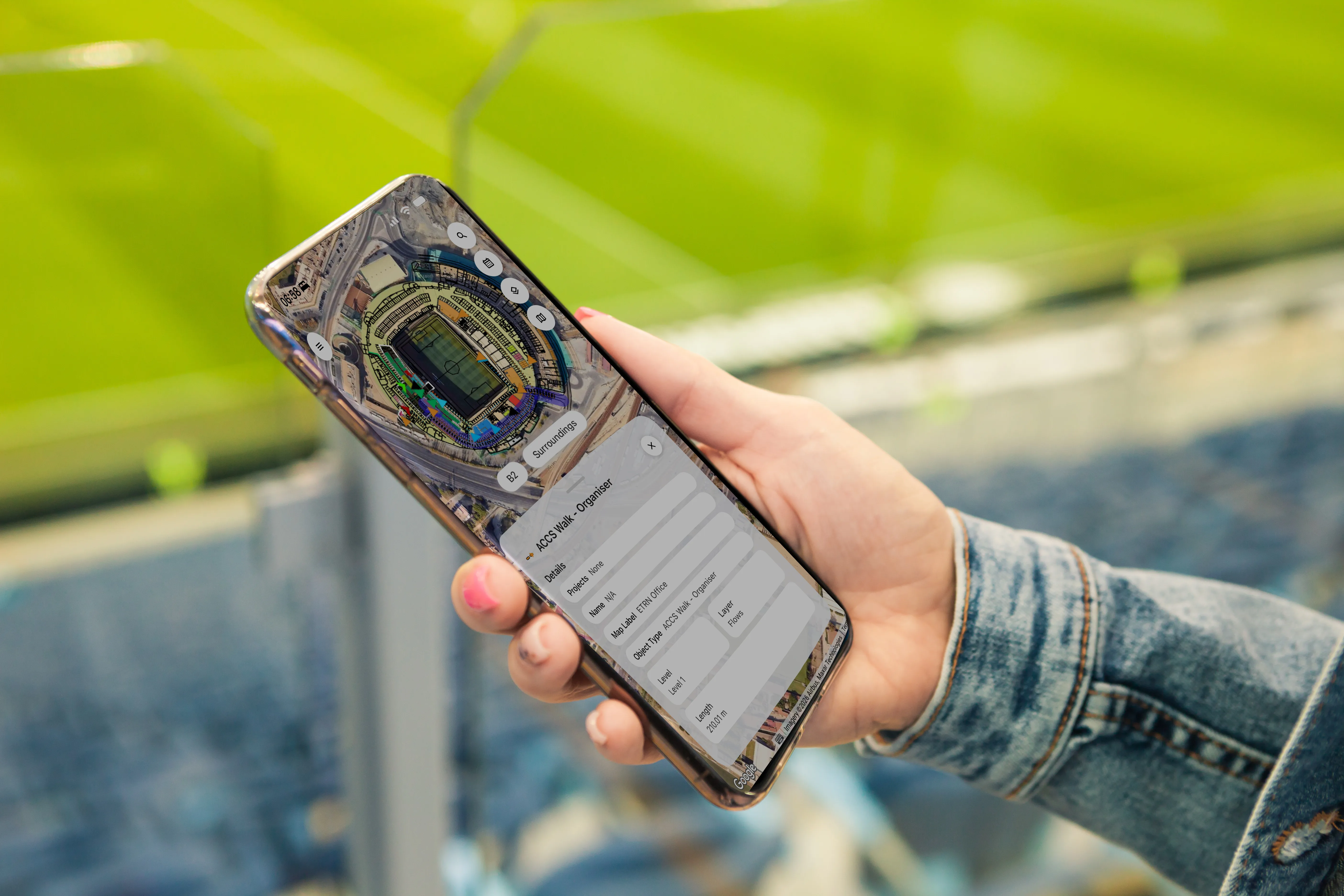
With Virtual Venue Mobile App, you can quickly:
Mobile app access respects your existing roles and permissions. Users only see the projects and content they’re authorized to view, helping you share confidently across internal and external collaborators.
This is only the beginning! We’ll keep improving the mobile app and expanding it with new modules and features based on customer needs.
Already on our roadmap: a rethought Site Visit Reporting experience, designed to let you capture site visit information quickly and easily directly at the venue, without needing a laptop. The goal is simple: faster capture, fewer gaps and reporting that happens where the work happens.
The mobile app is one part of a bigger evolution of Virtual Venue. If you’d like to explore the broader product updates, read “Virtual Venue 2025: The Next Generation of Event Planning Software”, a full overview of our newest features.
Already a customer? Log in with your usual credentials and start exploring your venue on mobile today.
We’d love your feedback! Tell us what would make mobile even more valuable for your team and your input will directly influence the roadmap.
New to Virtual Venue but want to see it in action? Book a demo to learn how your team can start their event planning transformation smoothly.
Book a demoThe Virtual Venue Mobile App is a mobile extension of the Virtual Venue platform that gives event teams instant access to venue data, maps and project details directly from their phone, anytime and anywhere.
You can view venue blueprints, layers, flows and mapped objects, check project timelines, search for specific objects and access 360° panoramas or Google Street View for real-time context.
The app is designed for venue operations teams, event planners, on-site project teams and external collaborators who need quick access to accurate venue and event information while on the move.
It reduces delays by giving teams instant access to a single source of truth, allowing faster decision-making, better coordination and fewer communication gaps during live events or site visits.
Yes. The app allows you to explore venue maps, including layers, flows and operational objects, which are core components used to plan and manage event logistics.
Yes. The app follows the same role-based access and permissions as the web platform, ensuring users only see the projects and data they are authorized to access.
Yes. External collaborators can securely access relevant project data, helping align all stakeholders with the latest venue information without constant back-and-forth communication.
Virtual Venue combines location intelligence, real-time data and operational planning in a single platform, enabling teams to manage venues, flows, assets and logistics visually and collaboratively.
Yes, this first release is Portal-focused. More modules are coming based on customer needs.
Yes, the app works on supported iOS and Android devices, including tablets.
Yes, access is tied to your organization and permissions.
Latests from our Blog
See Virtual Venue in action
Streamline planning, enhance execution, and stay in full control with Virtual Venue.
Book a demo today and see how we can help optimize your events.
Get in Touch
All Rights Reserved © Virtual Venue
















.svg)
.svg)
